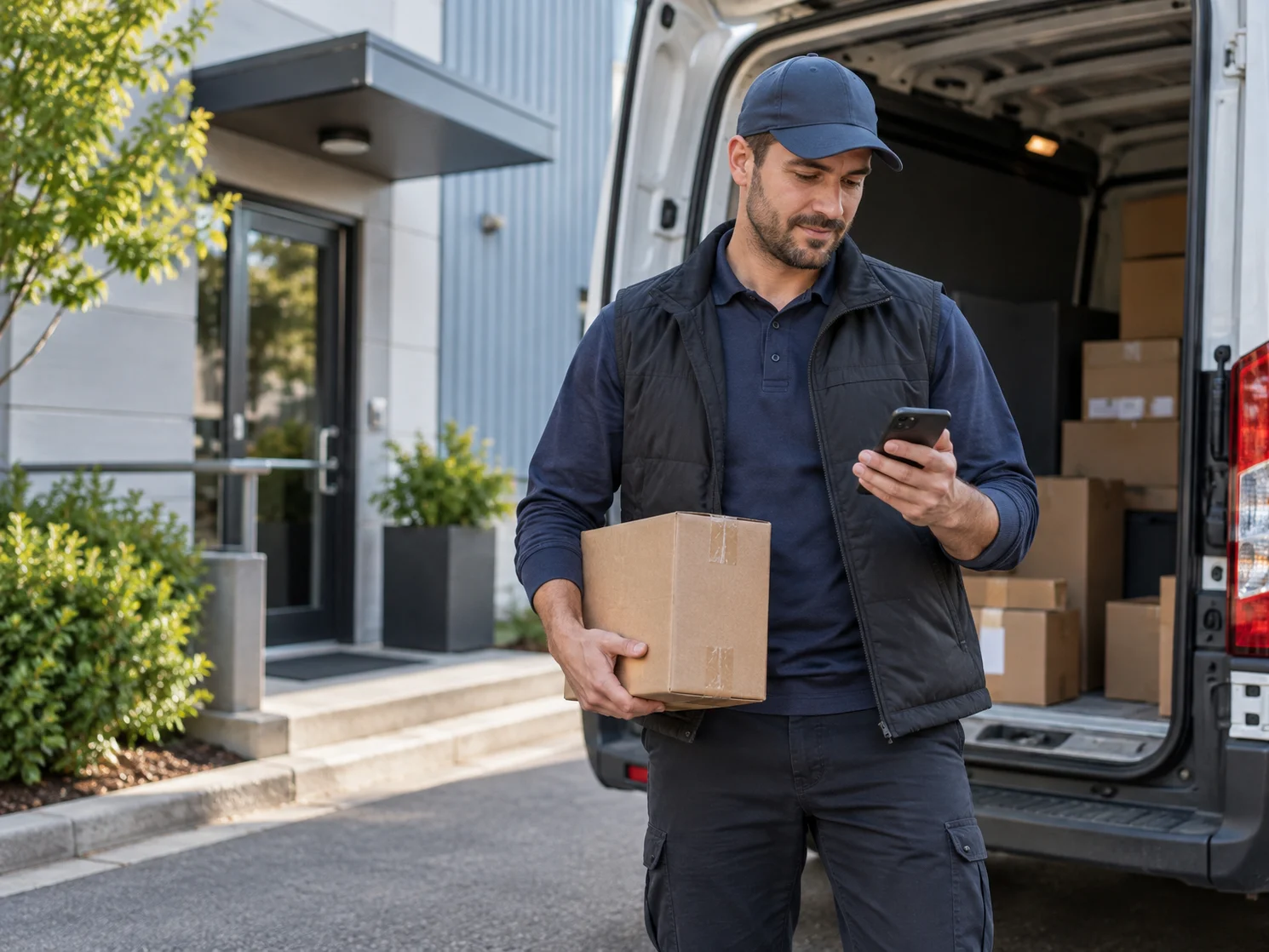
Route optimization is most useful when it does more than arrange stops by proximity. A route that looks efficient on a map can still fail if a driver arrives before a receiving desk opens, misses a medical pickup cutoff, or spends 20 minutes waiting at a stop that was planned as a five-minute handoff. For courier and last-mile delivery operators, route optimization needs to account for the conditions that determine whether a route can actually be completed as planned.
That means balancing geography with delivery time windows, location hours, stop duration, driver availability, and the changing order queue. The goal is not simply fewer miles. It is a route sequence that gives dispatchers and drivers a practical way to protect service commitments while using vehicle and driver time well.
What Route Optimization Should Solve
Route optimization is the process of arranging a driver's stops to reduce unnecessary travel while meeting the operating requirements of the work. In a delivery business, those requirements often matter as much as the distance between addresses.
Consider a driver with a morning lab pickup, an office delivery that cannot be received before 9:00 a.m., a retail location with a narrow receiving window, and an afternoon scheduled pickup. The geographically shortest sequence may put the driver at the office before staff are available. The driver then waits, circles back, or calls dispatch for a change. The route was short on paper but inefficient in the field.
A workable route plan considers the questions dispatchers already manage every day:
- What collection and delivery time windows are promised to the customer?
- When is the receiving dock, front desk, clinic, or stockroom open?
- How long does the driver normally need at each stop for a signature, scan, handoff, or special handling?
- Where is the driver starting, and should the route return to a home location at the end?
- What happens when a rush order is assigned after the route has already started?
Distance still matters. It affects fuel use, driver capacity, vehicle wear, and how many stops a driver can cover. But distance is only one constraint. The U.S. Department of Energy notes that fleet vehicles can consume about 0.25 to 1 gallon of fuel per hour while idling. A route that sends drivers to locations before they can be served can add avoidable wait time even when its mileage looks reasonable. The Department of Energy's fleet guidance also identifies routing and scheduling as areas where telematics data can help fleets reduce vehicle miles traveled and fuel use.
Why Time Windows and Business Hours Change the Route
Time windows are not a minor route detail. They are operating commitments. A specimen pickup may need to reach a lab before a processing cutoff. A legal filing may have a court deadline. A retail receiver may accept deliveries only during a defined window. A business-to-business route may include customer sites that are closed for lunch, unavailable after 3:00 p.m., or accessible only during scheduled receiving hours.
When dispatchers build routes manually, these constraints are often held in their heads, on notes, or in familiar drivers' experience. That can work with a stable route and a small team. It becomes difficult when order volume grows, work shifts between drivers, or a dispatcher covers an unfamiliar territory.
OnTime 360 route optimization can factor in collection and delivery time windows. Its route optimization board also supports hours-of-availability awareness, default stop duration, driver home locations, return-home planning, and selectable starting points. A dispatcher can choose a driver's home location, last known position, first stop, or an automatic starting point before reviewing the stop order.
For automatic route optimization, OnTime can be configured to use a location's hours-of-availability schedule with time windows. This matters because business hours should influence the plan before the driver reaches a closed door. It is especially useful for routes involving hospitals, labs, retailers, schools, government offices, distribution counters, or any customer location with restricted receiving hours.
There is an important operating distinction here. A schedule tells the driver where to go. A time-aware route plan helps determine when each stop should appear in the sequence. Dispatchers should still review jobs with strict handoff requirements, unusual access rules, temperature-sensitive materials, or a customer-specific service promise. Software can organize the constraints, but dispatch judgment remains essential when a route needs an exception.
How to Build Route Optimization Around Real Stop Conditions
Better results begin before the Optimize Route button is selected. Route optimization can only work with the operational information supplied to it. If locations have incomplete hours, orders lack realistic time windows, or stop durations are treated as identical when they are not, the plan will be less useful.
Record Location Hours Where They Matter
Start with locations that create repeatable constraints. A customer with a 7:30 a.m. pickup opening, a consignee that closes at 4:00 p.m., or a medical office that accepts specimens only through a specified cutoff should have that availability captured consistently. This reduces the chance that a new dispatcher or relief driver has to learn a critical rule after arriving on site.
Hours should reflect the time the driver can actually complete the work, not just the building's public hours. A retail store may open at 9:00 a.m. but not receive freight until 10:00 a.m. A hospital may be open around the clock while a specific department accepts deliveries only during staffed hours. The distinction prevents a route from appearing feasible when the handoff is not.
Use Realistic Time Windows
Time windows should represent commitments, not guesses. Use a narrow window when a job is truly appointment-based or deadline-driven. Use a wider window when the customer needs delivery during a portion of the day. Artificially narrow windows can make it harder to build a practical route, while overly broad windows can hide a service commitment that the driver must meet.
For standard OnTime route optimization, geographic optimization of up to 300 stops per route is included and can factor in collection and delivery arrival windows. Premium route optimization adds road and traffic-flow data, speed limits, custom route start and end locations, duration at each stop, return-home planning, multi-day routing, and detailed route statistics. Compare OnTime route optimization options when the operation needs detailed road-based routing and schedules rather than stop sequencing alone.
Set Stop Duration by the Work, Not the Address
Two stops at similar addresses may require very different amounts of time. A document drop may take two minutes. A medical pickup that requires packaging checks and chain-of-custody documentation may take longer. A delivery that requires a signature, inside placement, waiting for a receiver, or a return pickup should not be planned as a quick curbside handoff.
Set realistic expectations for each stop type. Doing so gives dispatch a more credible schedule and helps identify routes that are full before more work is assigned. It also produces better conversations with customers when a time-sensitive order needs a dedicated driver rather than an already crowded route.
Choose a Starting Point That Matches the Shift
Morning routes may start at a depot, driver home location, or first scheduled pickup. Midday route changes may be better planned from the driver's last position. The correct starting point depends on how the driver is actually working that day, not on a generic default.
OnTime lets dispatchers select the route starting point and review total stops, projected times, distance, and projected driver compensation before saving the stop sequence. That review creates an opportunity to catch a route that is mathematically valid but operationally questionable, such as a driver crossing town twice to satisfy a late-added order.
How Automatic Route Optimization Helps Dispatchers Handle Change
The morning route plan is rarely the final route plan. Same-day work arrives, customers change delivery instructions, a driver becomes unavailable, and a stop is reassigned. When each change requires a dispatcher to manually reorder a route, routine adjustments can take attention away from exceptions that need human judgment.
OnTime Automatic Route Optimization addresses that repetitive work. When enabled in General Options, assigning or unassigning an order can immediately re-optimize that driver's route. Each driver can have an assigned optimization method and starting location, so a driver working from a home base does not need to be planned the same way as a driver beginning from a central office or their last field position.
The feature uses the standard optimization engine and does not consume premium route optimization service credits. It is available on qualifying subscription plans. That makes it practical for operations that make frequent assignment changes and want the route sequence to stay current without turning every adjustment into a separate dispatch task.
Automation should not mean hands-off dispatching. Build clear rules around it:
- Use automatic optimization for routine adds, removals, and reassignment changes.
- Have dispatch review routes when an order carries a strict delivery deadline, special handling, or a customer-specific instruction.
- Confirm that time windows and location hours are maintained before relying on the sequence.
- Give drivers a clear escalation process when traffic, wait time, or a closed location makes the planned order impractical.
This approach reduces the time spent rebuilding ordinary routes while preserving dispatch control over the work that cannot be decided by a map alone.
Why Driver-Side Route Changes Need a Clear Process
Dispatchers are not always at a desktop when a route needs attention. A driver may complete several stops early, receive a new assignment while already in the field, or find that a customer location is temporarily unavailable. Waiting for someone in the office to re-sequence every route can slow the response.
OnTime Route Optimization from OnTime Mobile gives qualifying users the ability to make route adjustments from the field. The capability can be enabled and customized for each driver. That gives an operation the flexibility to authorize experienced route drivers to update their stop sequence while keeping control with dispatch for drivers or routes that require tighter oversight.
The right policy depends on the service. A driver on a flexible business delivery route may have room to change the sequence after a cancellation. A driver carrying time-definite medical work may need dispatcher approval before moving any stop. Define who can optimize in the field, which types of orders can be moved, and when the driver must contact dispatch.
Route changes should also remain visible to the office. The operational benefit is not simply that a driver can act faster. It is that the change happens within the same delivery management system used for assignment, status updates, proof of delivery, pricing, billing, and customer communication. See how OnTime connects dispatch, route work, proof of delivery, and billing rather than forcing staff to reconcile changes across separate tools.
Measure Whether Route Optimization Is Helping
Do not judge route optimization only by whether drivers cover stops in a different order. Measure whether the revised planning process improves the conditions that matter to the business.
The Department of Energy cites a 2009 pickup-and-delivery fleet study that found route optimization software reduced fleet mileage by 5% to 10% per year. That figure is not a forecast for any individual courier operation. Service territory, route density, delivery constraints, driver behavior, and the quality of order data all affect results. Still, it illustrates why even modest reductions in unnecessary movement deserve attention. The Department of Energy's commercial-vehicle guidance also notes that route planning can support fuel economy and that real-time route management is part of telematics-enabled fleet planning.
Track a small set of measures before and after changing the process:
- On-time collection and delivery performance, especially for jobs with time windows.
- Miles and drive time per completed stop or route.
- Stop wait time and business-closed exceptions.
- Manual route changes completed by dispatch each day.
- Number of late route additions that can be absorbed without creating service failures.
- Driver feedback on whether the planned stop order reflects field conditions.
Look at the exceptions, not just the averages. If a route saves miles but repeatedly causes early arrival at closed locations, it needs better hours and time-window data. If a driver regularly overrides the sequence for a valid local reason, that is useful information for dispatch to investigate. Route optimization improves over time when the operation uses those patterns to correct the underlying rules.
Route Optimization FAQ
What is route optimization in delivery operations?
Route optimization is the process of arranging a driver's stops to reduce unnecessary travel while meeting delivery requirements. In courier work, a useful route plan considers more than location. It should account for time windows, customer availability, stop duration, driver starting point, and service commitments.
Can route optimization respect delivery time windows?
Yes. OnTime route optimization can factor in collection and delivery time windows, and premium routing can prioritize time windows while using road-based mapping data. Accurate order windows and maintained location information are necessary for the route to reflect actual service requirements.
Why do business hours matter for route optimization?
Business hours help prevent drivers from arriving when a receiving location cannot accept a pickup or delivery. In OnTime, a location's hours-of-availability schedule can be used with time windows for automatic route optimization when the setting is enabled. This helps dispatch turn location knowledge into a repeatable planning rule.
Can drivers adjust routes from the field?
OnTime Route Optimization from OnTime Mobile can be enabled and customized per driver on qualifying plans. That gives operators the option to let approved drivers update route order when field conditions change, while maintaining operating rules for time-sensitive work.
Does Automatic Route Optimization use premium credits?
No. OnTime Automatic Route Optimization uses the standard optimization engine and does not consume premium route optimization service credits. It can re-optimize a driver's route when an order is assigned or unassigned, subject to plan availability and account configuration.
Make Route Planning Fit the Work
A route that simply connects the nearest dots can create more work for dispatchers and drivers when the real constraints are ignored. Build route planning around the information that determines service quality: customer hours, time windows, stop duration, starting locations, and the inevitable changes that occur during the day.
OnTime 360 gives courier and delivery teams a way to organize those constraints in the same system they use to dispatch, track, document, and bill the work. Start with the routes that produce the most waiting, manual reshuffling, or missed windows, then use the results to refine your location and order data.
Start your free trial to see how OnTime can support route planning that reflects the way your delivery operation actually runs.